Reads the question from the page
On supported platforms the extension picks up the question and the available answers by itself.
Quizonator runs in the browser where you take the test. It recognizes the question on the page, analyzes the options and shows a suggestion with an explanation. No pasting questions into a chatbot and no second tab.
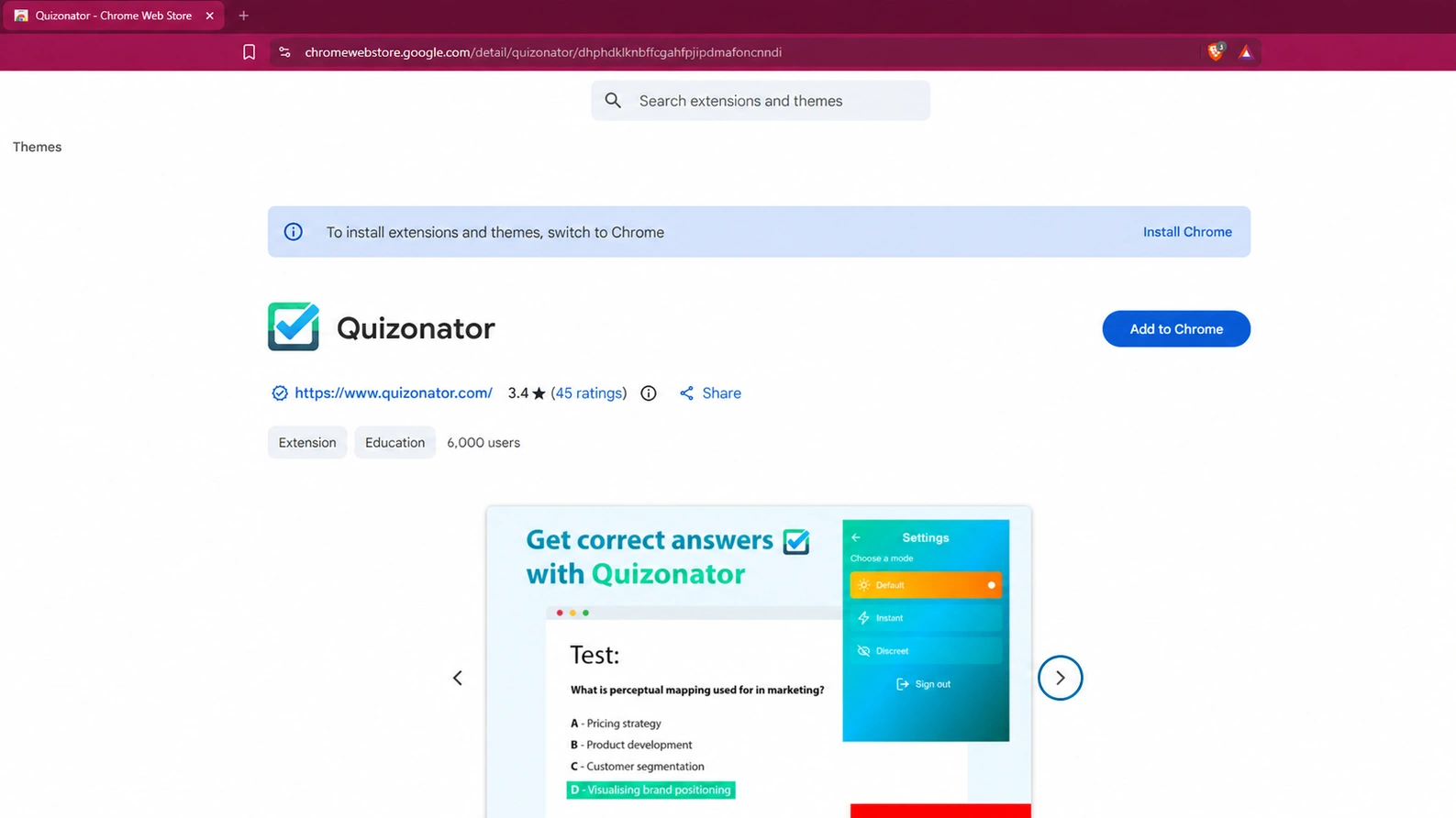
On supported platforms the extension picks up the question and the available answers by itself.
The suggestion comes from GPT-6 or newer. The answer is marked by the question or shown in the Quizonator panel, with a short explanation.
Snapshot mode analyzes any area you select: an image, a chart, a formula or a site outside the platform list.
Your dashboard lets you revisit questions, explanations and statistics. History is included in every plan.
Go to the Quizonator listing and click “Add to Chrome”.
Click the puzzle icon next to the address bar and pin Quizonator so it is always at hand.
Use your Quizonator account. No account yet? Sign-up is free and needs no card.
Go to your test in a regular Chrome tab and start the mode you prefer.
Each platform has its own page describing how it works and where the limits are.
NewIn Kahoot the Chrome extension works in self-paced kahoots: assignments, solo play and study mode. In a live game the iOS app reads the classroom screen with the camera. Android is not supported yet.Kahoot in Quizonator
Chrome on Android and iOS does not support extensions, so there is a separate app for phones. It has a built-in browser: sign in to your quiz platform there and start the analysis with one button.
The extension and the app share one account and one plan, so you never pay twice.
Explore the mobile appThe extension reads the content needed to prepare a suggestion: the question, the answer options and the required context. We do not sell data or share it with schools, universities or advertisers.
The service is run by QUIZONATOR Sp. z o.o., a Polish company based in Wrocław. You can delete your quiz history and your account at any time.
Trust centerInstalling it is free, and the FREE plan gives you 20 answers to start and 20 more every month with no card required. Higher allowances and all modes are part of PRO and PRO+.
Open the Quizonator listing in the Chrome Web Store, click “Add to Chrome”, pin the extension and sign in to your account.
Mobile browsers do not support Chrome extensions. On a phone, use the Quizonator app with its built-in browser. It is available for Android and iOS.
Moodle, Canvas LMS (Classic Quizzes), Blooket, Socrative, Microsoft Forms, Google Forms, Quizizz (Wayground), Testportal and Szkoła w Chmurze. On other sites you can use Snapshot mode (PRO and PRO+).
No. No AI system can guarantee that. This is why every suggestion comes with an explanation that lets you judge it.
20 answers to start and 20 more every month. No card.
Platform names and logos belong to their owners. Quizonator is not affiliated with or endorsed by them. Use the tool in line with the rules of your school or university.