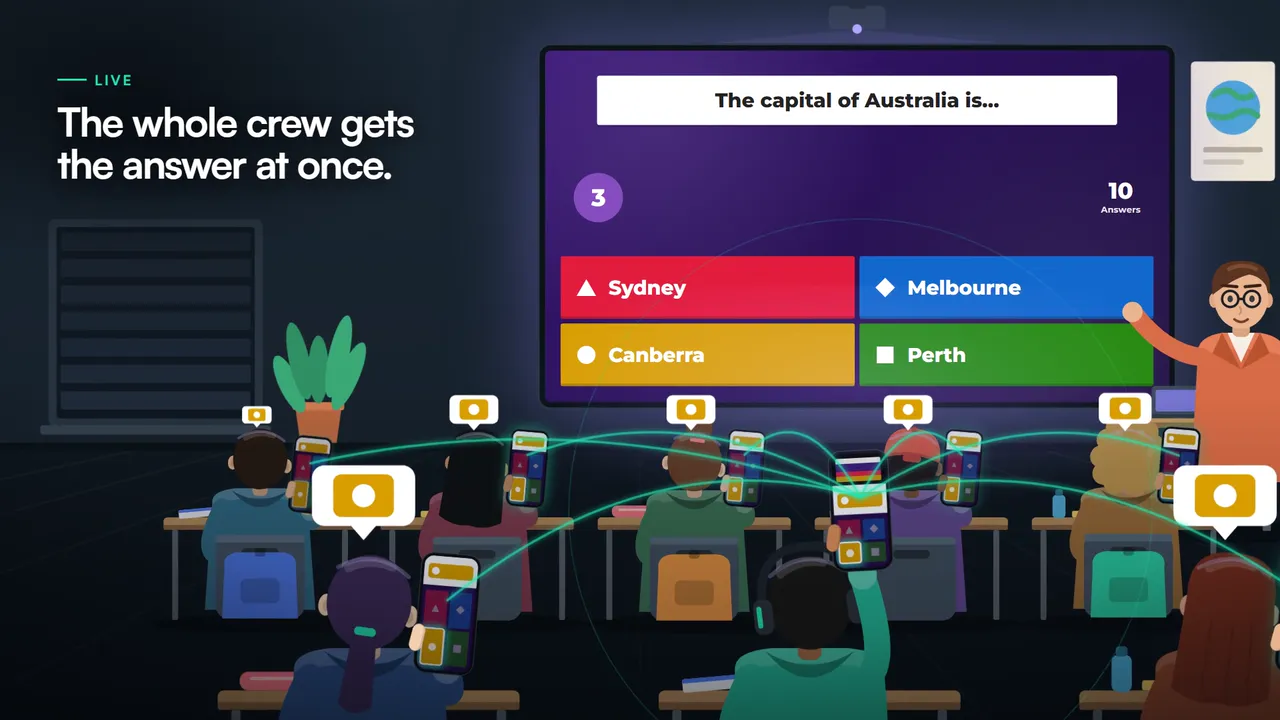
Recognizes the question right away
The extension reads the question and the answers as soon as they appear on screen.
Quizizz is now called Wayground, but the quizzes work the same way: a question, a clock and points for speed. Quizonator recognizes the question on the page and shows a suggestion within seconds.
Works in Chrome on a computer. Can’t add extensions on this computer? Use the phone app.
The app opens your quiz in its built-in browser. On a computer? Add the Chrome extension.
In 2025 Quizizz rebranded as Wayground. You join with a game code or a link from your teacher, and questions appear one at a time. Live mode is played together with the class, while homework mode has a deadline.
Beyond multiple choice, the platform offers multi-select, fill in the blank, match, reorder, drag and drop, open-ended questions and polls. Many tasks are built around images.
Time matters: with the timer on, a fast answer earns more points, and when time runs out the question is lost. Teachers can also turn the timer off and allow several attempts.
The extension reads the question and the answers as soon as they appear on screen.
Quizonator also copes with “match” questions, such as pairing fractions with images.
The Quizonator panel lets you change how answers are displayed so it fits the pace of the game.
On Android and iOS you open the quiz in the Quizonator app browser and start the analysis with one button.
Analysis takes a few seconds. With a 5-10 second limit per question, the suggestion may arrive too late.
If both the question and the answers are images, use Snapshot mode and select that part of the screen.
Live class games are mostly for review. Quizonator’s explanations are then more useful after the quiz than during it.
Check the explanation, especially for questions about a specific lesson topic.
Install Quizonator from the Chrome Web Store on your computer, or download the app for Android and iOS on your phone.
Open Quizonator and sign in with Google or with your email. A free account comes with 20 answers to start and 20 more every month, with no card.
Go to the platform in a regular browser tab, or in the app’s built-in browser, and start the mode you prefer.
Yes. Quizizz, known as Wayground since 2025, is a supported platform.
The name and the web address changed. Quizzes, game codes and question types work the same way, and Quizonator supports both names.
Yes. Quizonator is a Chrome extension on computers and an app for Android and iOS on phones. Both recognize the question on the quiz page and suggest an answer within seconds.
No. It does not join games or add players. It runs in your own browser, reads the question you see and suggests an answer with an explanation. In Instant mode it selects the answer for you.
Usually yes: analysis takes a few seconds. With very short limits, turn on Instant mode, which selects the answer right away.
Yes. Image-based questions are part of PRO and PRO+, and Snapshot mode can analyze any part of the screen.
Yes. The FREE plan includes 20 answers to start and 20 more every month, with no card required.
One account and one plan work on all of them.
20 answers to start and 20 more every month. No card and no commitment.
Works in Chrome on a computer. Can’t add extensions on this computer? Use the phone app.
The app opens your quiz in its built-in browser. On a computer? Add the Chrome extension.
Platform names and logos belong to their owners. Quizonator is not affiliated with or endorsed by them. Use the tool in line with the rules of your school or university.