Built-in browser
The quiz and Quizonator stay in one place.
Open the platform in the app, start Quizonator and get a suggestion without photos, copying or a second device.
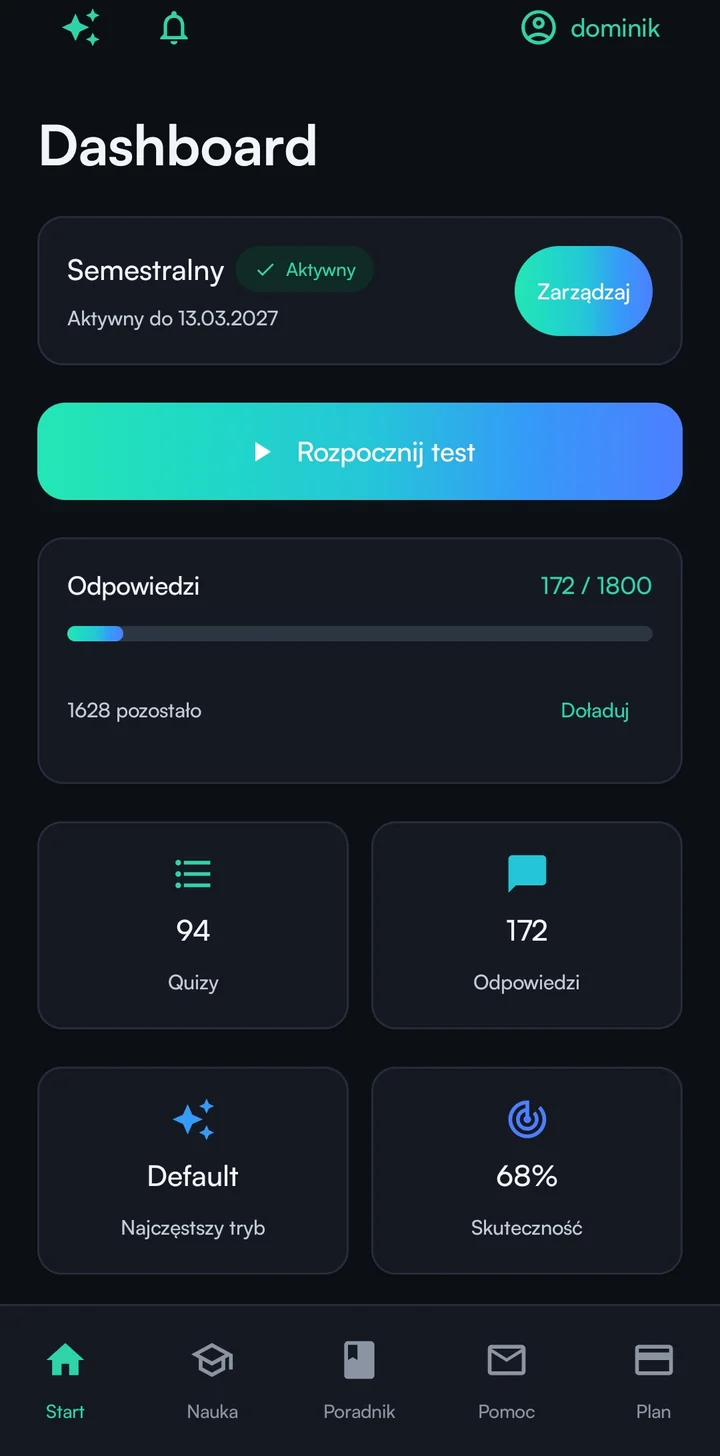
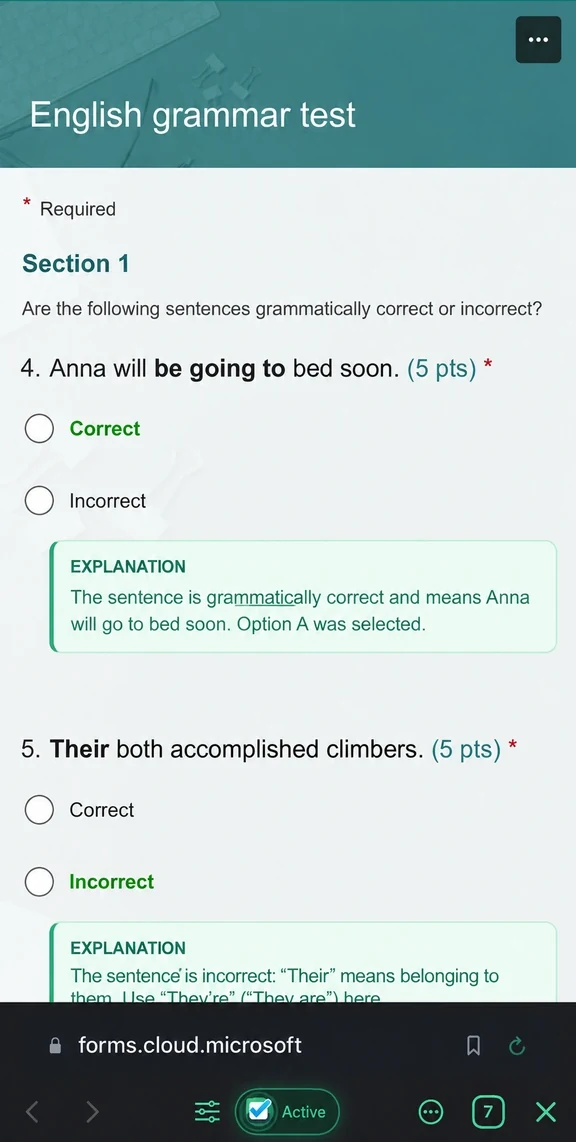
Use the in-app browser and sign in to Moodle, Forms or another supported platform.
Quizonator reads the question and available answers without a screenshot.
The answer appears in the app. You decide what to select.
A real quiz in Microsoft Forms. Choose the step you want to see.
Sign in. Choose how to sign in to your account.
The quiz and Quizonator stay in one place.
Questions are recognized without manual copying.
Use the same email as the Chrome extension.
Quizonator shows a suggestion and you make the final choice.
Your plan belongs to your account, not a device. Use Chrome, Android, iPhone and iPad without separate access.
No. The same plan works on Chrome, Android and iOS.
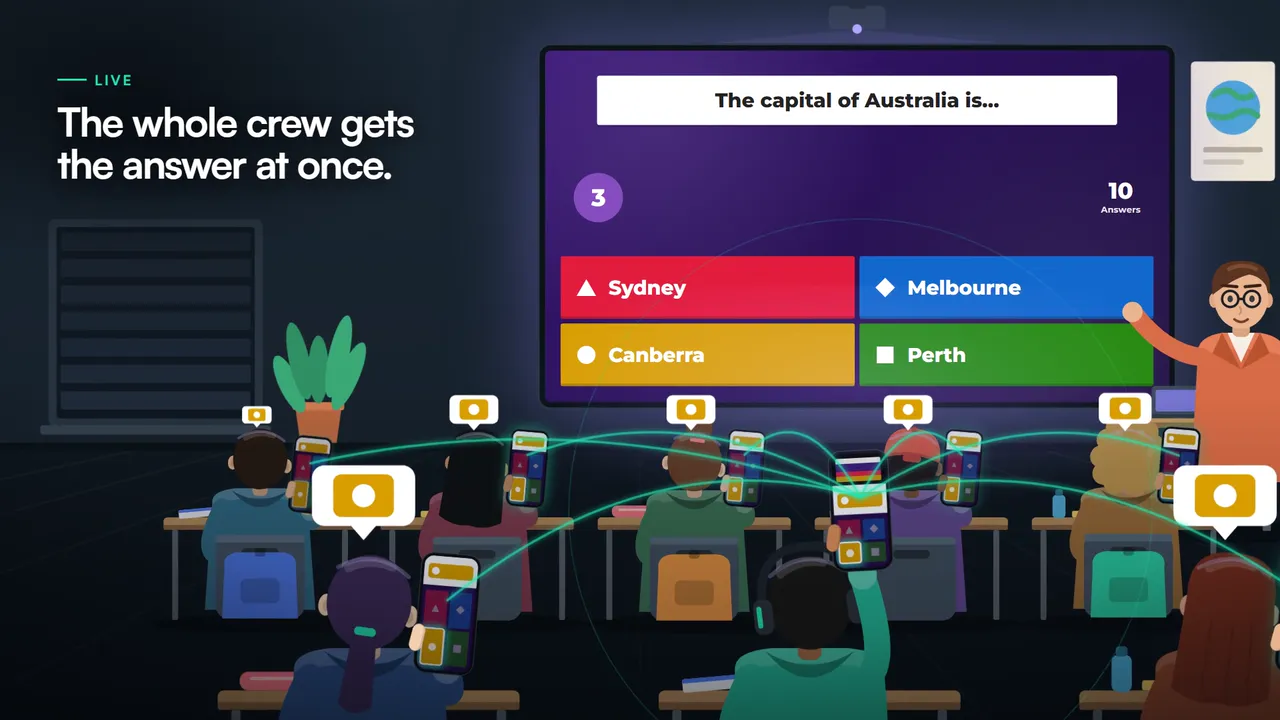
The app analyzes regular quizzes in its built-in browser. Live Kahoot on iOS uses the camera to read the shared screen. Android does not support Kahoot yet.
Supported platforms are Moodle, Testportal, Blooket, Socrative, Szkoła w Chmurze, Microsoft Forms, Google Forms, Quizizz (Wayground) and Canvas LMS (Classic Quizzes).
Core functionality, account and plan are shared. Kahoot is currently available in the app only on iOS; the Android app does not support Kahoot yet. The Chrome extension also works for solo quizzes on a computer.
Download the app, sign in and open your first quiz.